

Find Your Brand
Select from popular brands to calculate calories and track nutrition information
Filter by Category
Select a category to filter the brands





















What's New
The latest brands, features, and fixes we've shipped to WhatsThatFood
- Fixed
More accurate nutrition numbers
Corrected calories and macros for items at 15 brands where the published figures didn't add up.
Sep 26, 2026 - New
Added Poke Bros, Pokemoto and Pokeworks
Three poke chains, each with a build-your-own bowl calculator.
Sep 24, 2026 - New
Added Shake Shack
Burgers, chicken, flat-top dogs, fries and frozen custard, including combo meals.
Sep 1, 2026
Calculate nutrition in three steps
Pick any item from your favorite chain, tailor it to your order, and see the exact calories and full nutrition — instantly, no sign-up required.
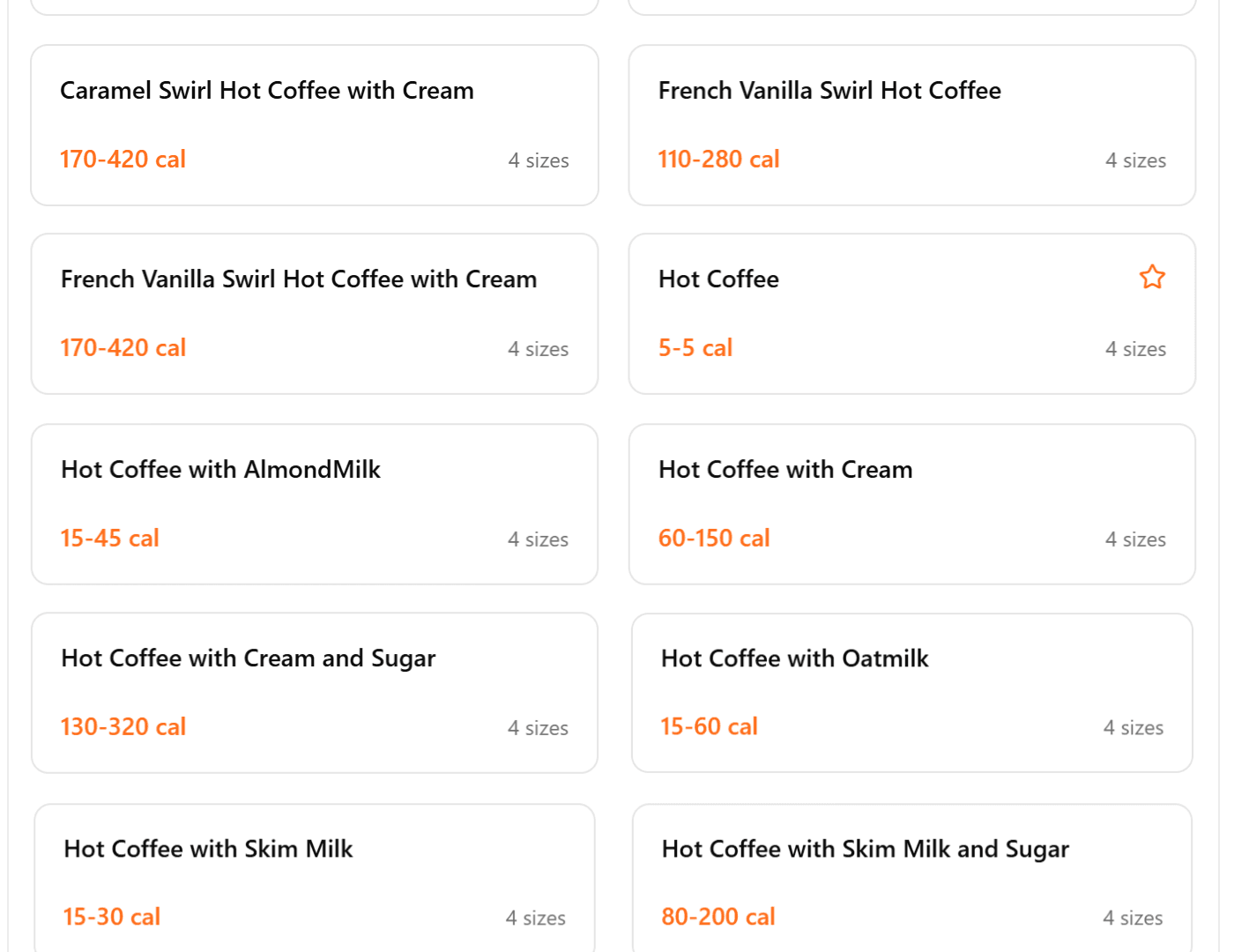
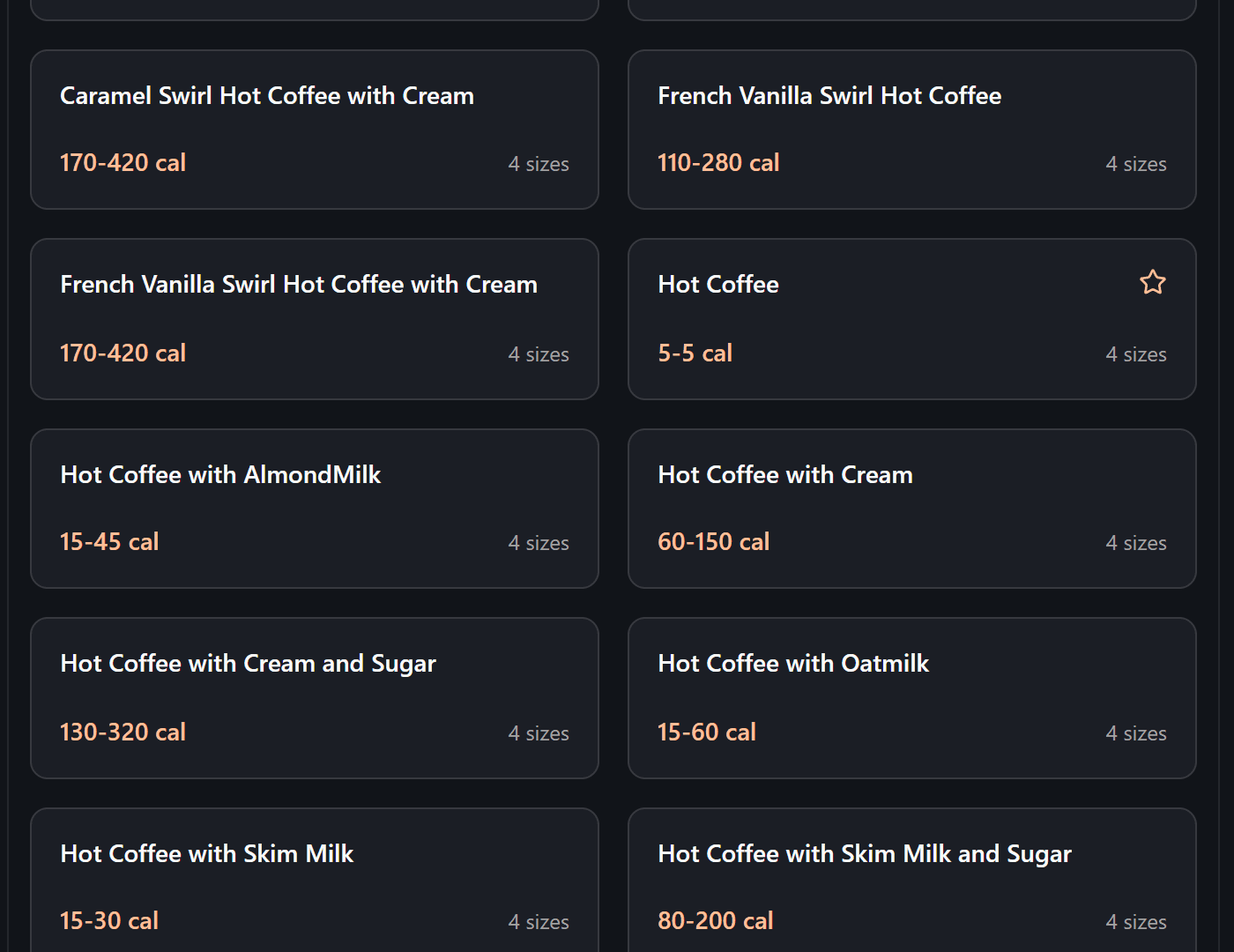
Find your item
Search or browse the menu by category — or start a build-your-own where it's offered.
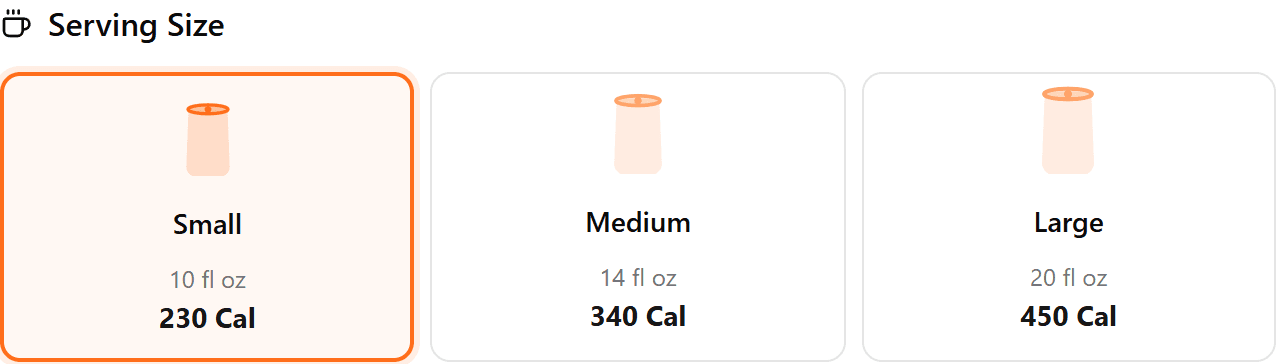
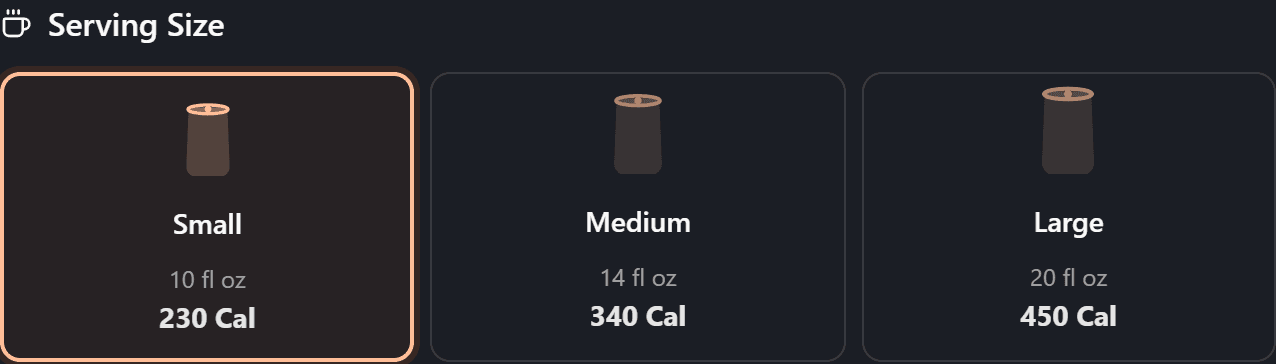
Make it yours
Set the size, portion, and quantity, plus any customizations or ingredients the brand offers.
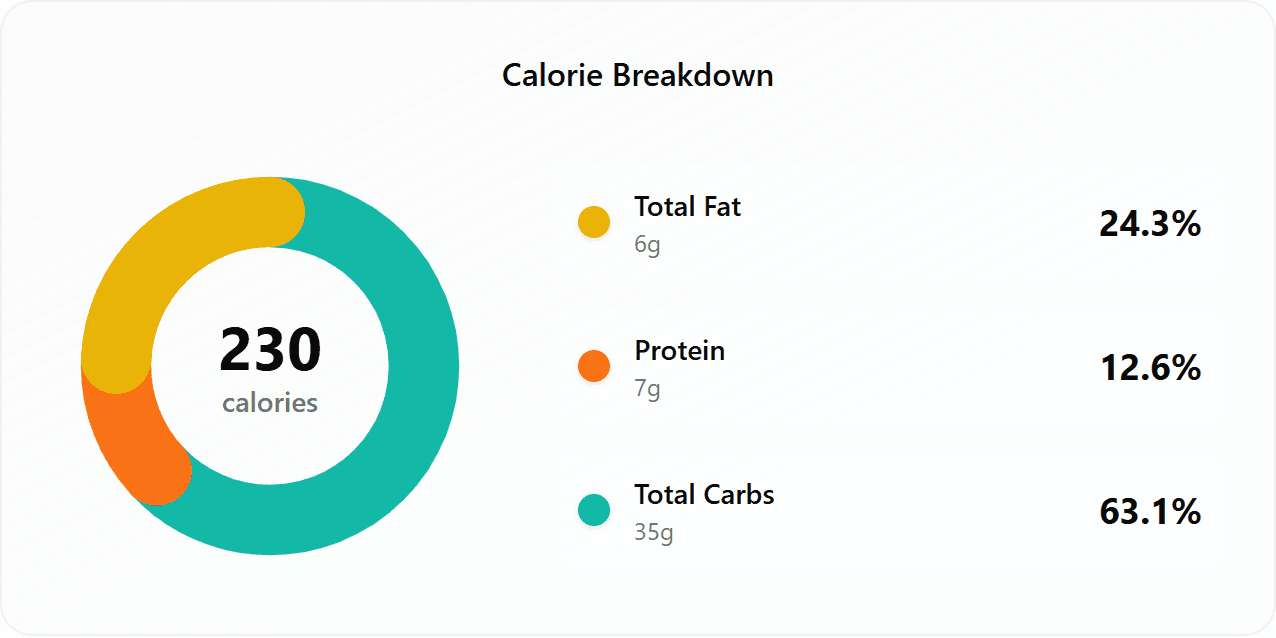
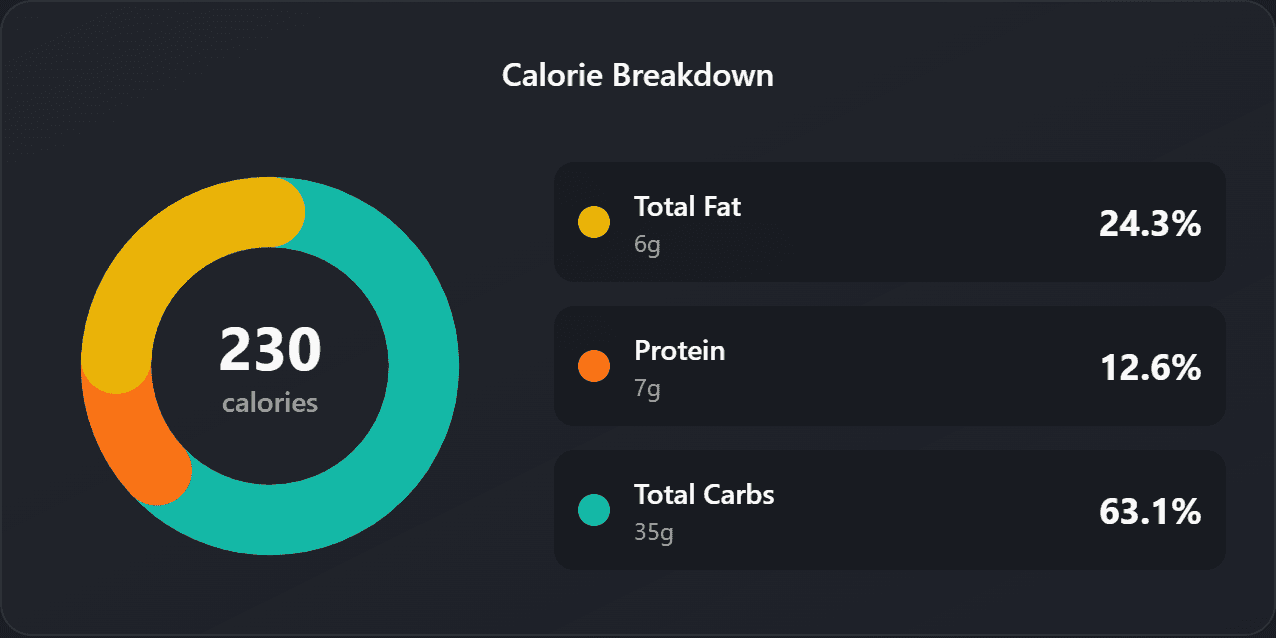
See the nutrition
Get instant calories, a macro breakdown, and a full % Daily Value facts table — and stack items into My Meal for a whole-meal total.
Everything You Need for Nutrition Tracking
Our platform combines beautiful design with powerful features to make nutrition tracking simple and effective
Beautiful, interactive charts showing your macronutrients distribution and overall nutritional intake.
Personalize your meals with different ingredients, sizes, and add-ons to see how they affect nutrition.
Access nutrition information from all major restaurant chains and cafes in one convenient place.
See what's popular among other health-conscious users based on real-time tracking data.
Share your favorite food combinations and nutrition profiles with friends and followers.
Discover healthier alternatives and suggestions from a community of nutrition enthusiasts.
Get notifications when your favorite restaurants update their menu or add new healthy options.
Easily filter by food categories, nutrition goals, or dietary restrictions to find the perfect meal.
Real reasons people check first
From checking a drive-thru order to skipping the nutrition-PDF hunt — here's how people actually use WhatsThatFood. Hover to pause and read.
“Stopped guessing my order — I just type it in and it's right there. Weirdly satisfying.”
“Finally a calorie site that isn't a pain to use on my phone. Pull it up, done.”
“The customization actually matches what I order — oat milk, extra shot, all of it.”
“No more opening five different nutrition PDFs to answer one question. This is just faster.”
“Clean, fast, no login, no nonsense. Bookmarked it the first day.”
“I pull it up right in the drive-thru line. Ten seconds and I know.”
“Planning the week is easier when I can check the couple of days I know I'll eat out too.”
“Built my exact salad and saw the real number — dressing included. Nice.”
“I like being able to line up two orders side by side before I decide.”
“Dark mode looks great and it just works. Small thing, but I noticed.”
“Became my go-to check before any coffee run. Every single time now.”
“Honestly I was just tired of hunting for this stuff. This one hands it to me.”
“The portion buttons are a nice touch — matches how much I actually eat.”
“Fast, accurate, free. Not much else to say, really.”
“Checked my usual order and — yeah. Good to know before I order instead of after.”
“Picked the lighter option mid-order without overthinking it. Easy.”
Ready to start tracking?
Join thousands of users who are making smarter food choices with WhatsThatFood.com
Get Started for Free